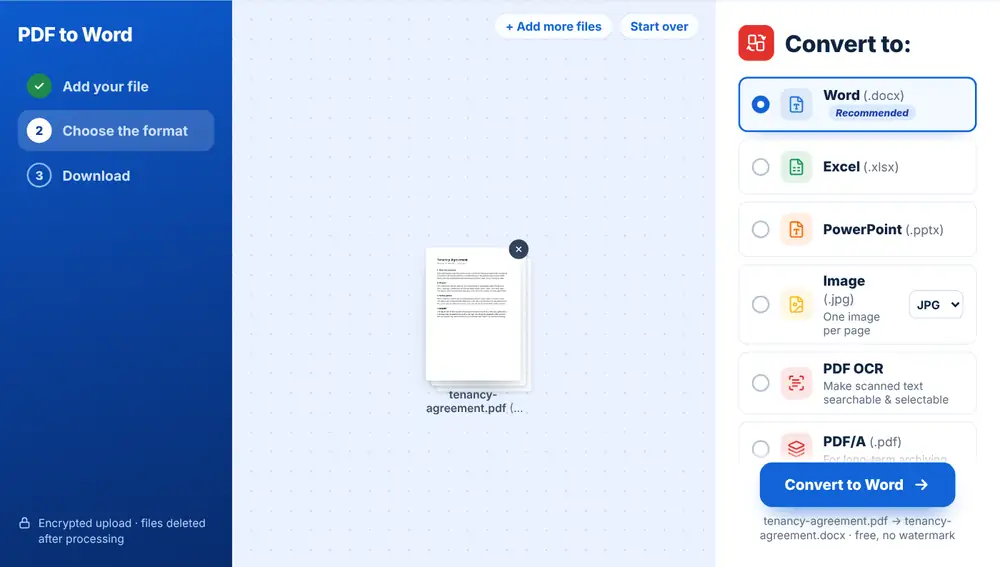
 PDF to Word
The Complete Guide to Converting Between PDF and Office Formats
When to convert PDF to Word, Excel or PowerPoint (and back), how formatting survives the trip, and how to get clean, editable results every time.
Home / Blog
Simple step-by-step guides for everyday PDF and image tasks. Each guide explains what to do in plain words and links to the free HuntPDF tool that does it, with no sign-up.
PDF to WordWhen to convert PDF to Word, Excel or PowerPoint (and back), how formatting survives the trip, and how to get clean, editable results every time.
 PDF to PDF/A
PDF/A explained: how it differs from a normal PDF, what it leaves out and why, the versions you will see on upload forms, and how to convert a file and check it.
 HEIC to PDF
iPhone photos are saved as HEIC, which many upload forms refuse. How to turn one or several HEIC photos into a single PDF, in the right order and at a size that uploads.
 Scan to PDF
Turn phone photos of paper documents into one clean PDF, keep the pages in order, make the file small enough to email, and send it from your phone.
 Web Page to PDF
Keep a copy of a booking, a receipt, an article or a price page exactly as it looked on the day, by saving it as a PDF from its link or from your browser.
 Excel to PDF
Turn a spreadsheet into a PDF that prints cleanly: set the print area, fit columns to the page width and avoid stray blank pages before you convert.
 PDF to Excel
Get tables out of a PDF and into Excel or Google Sheets as rows and columns you can sort and total, including what to do with scanned PDFs and messy layouts.
 PDF to JPG
Save PDF pages as JPG pictures to post, share in a chat or use in a slide, or pull out just the photos inside a PDF, and pick JPG or PNG for the job.
 PDF to PowerPoint
Convert a PDF deck back into PowerPoint slides you can edit, and know which PDFs convert well, which do not, and how to fix common problems in the slides.
A practical guide to choosing between PDF and Word so your documents look right and stay editable when they need to be.
PDF to WordA clear, step-by-step guide to turning a PDF into an editable Word document online, with tips for keeping tables, fonts and layout intact.
 Add Page Numbers to PDF
Number a PDF's pages in the right place and format, leave the cover blank, continue from an earlier part, and check the result before you print or send it.
 Crop PDF
Trim wide white margins, dark scanner edges or a header from every page of a PDF, and know when cropping is the right tool and when it is not.
 Merge PDF
Many free PDF mergers stamp a logo or 'trial' line on every page. Here is how to spot that before you send a file, and how to combine PDFs into one clean document at no cost.
Merge PDFCombine PDFs, make a PDF smaller, sign a form and turn photos into a PDF on your phone, in the browser, without installing an app.
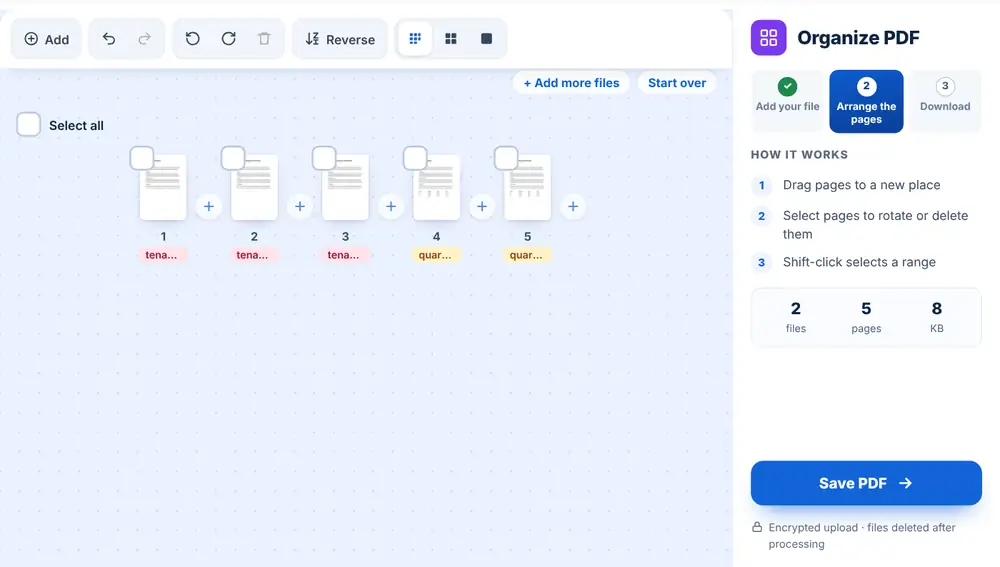 Organize PDF
Clean up a messy PDF by reordering pages, rotating sideways scans, and removing pages you do not need.
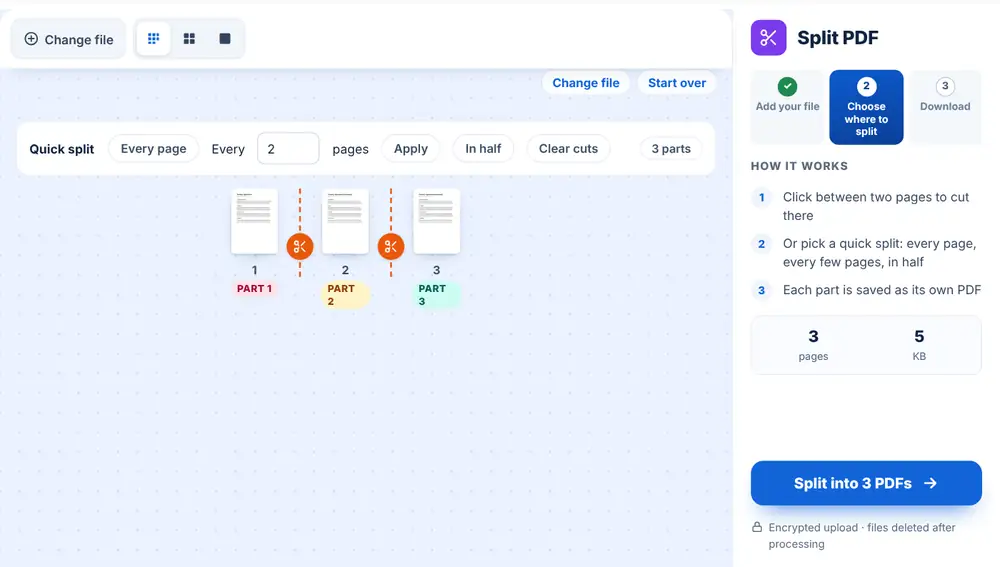 Split PDF
Pull a single page out of a long PDF, or break a big document into smaller files, all in the browser.
Merge PDFCombine several PDFs into a single document in the right order, whether it is a contract with exhibits or a batch of invoices.
 Protect PDF
How to protect, unlock, redact, watermark and sign PDFs safely. A practical guide to keeping sensitive documents private when you share, send or store them.
 Compress PDF
Why PDFs get huge, how compression really works, and how to repair, grayscale, resize and tidy documents so they are small, clean and easy to share.
Protect PDFWhat happens to a file after you drop it on HuntPDF: how it is sent, where it is processed, when each copy is deleted, and what changes when you use an AI tool.
Compress PDFJob portals, visa and university forms often refuse PDFs over 1 MB. A practical order of steps to get under the limit while the document stays readable.
 Unlock PDF
Take the password off a bank statement or payslip you can open, remove print and copy restrictions, or change the password. What is possible and what is not.
 Sign PDF
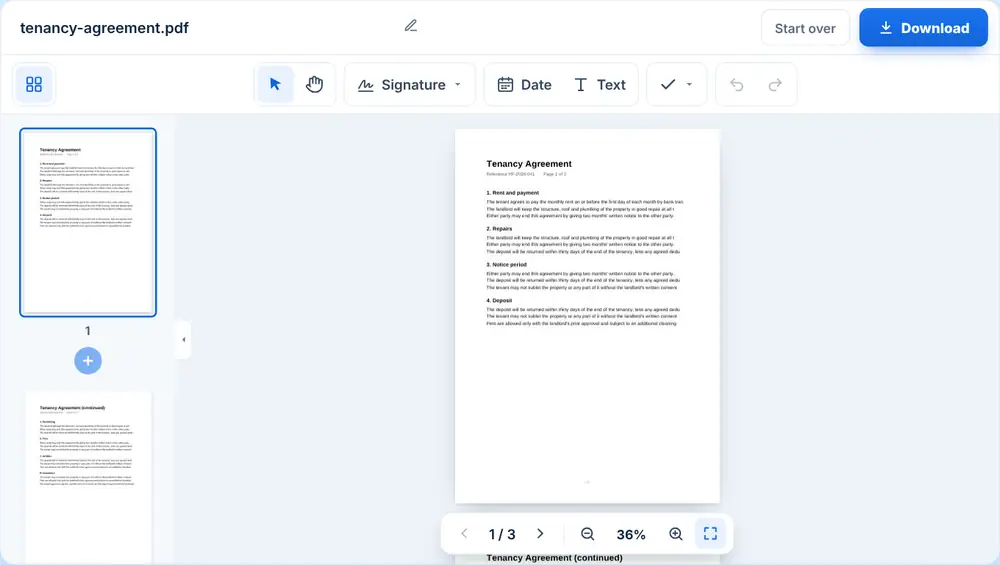
Sign a PDF without printing or scanning: draw, type or upload your signature, add initials and the date, then download the signed copy.
Protect PDFAdd a password to a sensitive PDF so only the intended recipient can open it.
Compress PDFMost email services cap attachments around 25 MB. Here is how to shrink a PDF under the limit without wrecking the quality.
 AI Translator PDF
Read a foreign-language contract, letter or manual in your own language: translate the text of a PDF with AI, handle scanned files, and know when a human translator is needed.
 AI Summarizer PDF
Get the key points of a long report, paper or contract in minutes, choose the right summary length, and check the AI's answer against the document.
 PNG to PDF
Turn PNG screenshots, charts or scans into one PDF in the right order, keep them sharp, and get a file that is easy to send, print or upload.
 Image Quality Enhancer
Brighten a dim photo, reduce blur and grain, upscale a small picture to two or four times its size, and get the exact sizes social networks ask for, without photo-editing skills.
 Image to Text
Get editable text out of a JPG, phone photo or screenshot of a document: copy the words in seconds, or build a full Word file through a searchable PDF.
 HEIC to JPG
Open iPhone HEIC photos anywhere: convert them to JPG in a batch, fix uploads that reject HEIC, and stop your iPhone saving HEIC in the first place.
 Compress Image
Make a photo small enough for a job portal, visa form or email: set a target size in KB, reduce the pixel width, and pick the right format.
Image to TextCopy the words out of a photo, screenshot or scanned page instead of retyping them. Works on Windows, Mac, iPhone and Android, in seven languages.
 JPG to PDF
Combine photos or scans into one tidy PDF, in the order you choose, for uploads and submissions.
 OCR PDF
OCR explained in plain words: what it does to a scan or photo, why a scanned PDF cannot be searched without it, what affects accuracy, and how to run it on a PDF.
 Edit PDF
Change text, sign a contract, fill in a form, black out details and delete pages in a PDF without buying or installing Acrobat. Free tools that work in your browser.
 Redact PDF
Black boxes drawn on a PDF can leave the text underneath readable. How to redact so the information is really gone, find every copy of a name or number, and clean hidden data.
 Fill PDF Forms
Type into a PDF form, tick the boxes, sign it and send it back without printing. Works on fillable and flat (scanned) forms, on a computer or a phone.
 Change PDF Page Size
Fix a PDF that prints with clipped margins: change the page size between A4, Letter, Legal, A3 and A5 without cutting anything off.
OCR PDFTurn an image-only scanned PDF into text you can select, copy and search, using OCR.
Edit PDFFix a typo, add text or an image, or sign a PDF directly in your browser when you do not have the source file.